- Out-of-Stock
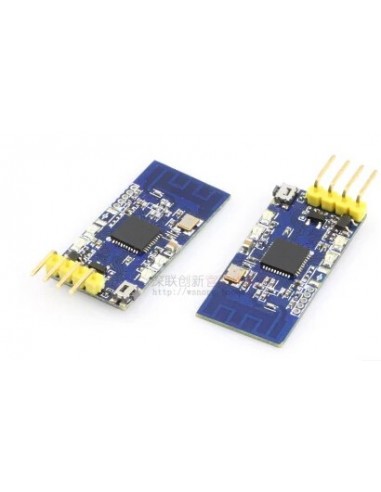

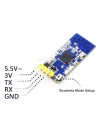
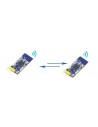
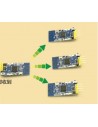
Efficient and easy-to-use 2.4 GHz network module. Sold individually: you need 2 to form a pair.
Features:
Configuration Steps
Two red LEDs on top, two green LEDs on bottom
| Step | Action (short press) | Indication | Next (long press and release) | Note |
|---|---|---|---|---|
| 1. Enter config mode | HOLD button and power up | All LEDs blink in turn | Enter next config step | -- |
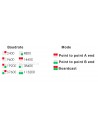
| 2. Configure baudrate | Switch baudrate | See image below | Enter next config step | -- |
| 3. Set wireless channel | Choose channel | LEDs indicate 16 channels, including all LEDs off status | Enter next config step | If the channel is the same, modules can communicate even if baudrates differ |
| 4. Set mode | Switch between the three modes | See image below | Enter next config step | -- |
| 5. Confirm | -- | Long press until LEDs blink in turns, then release. LEDs will remain on for 2 seconds, then configuration is complete. | -- | -- |

Efficient and easy-to-use 2.4 GHz network module. Sold individually: you need 2 to form a pair.
check_circle
check_circle