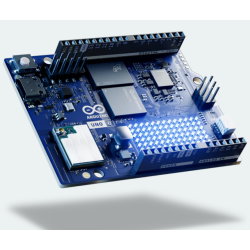
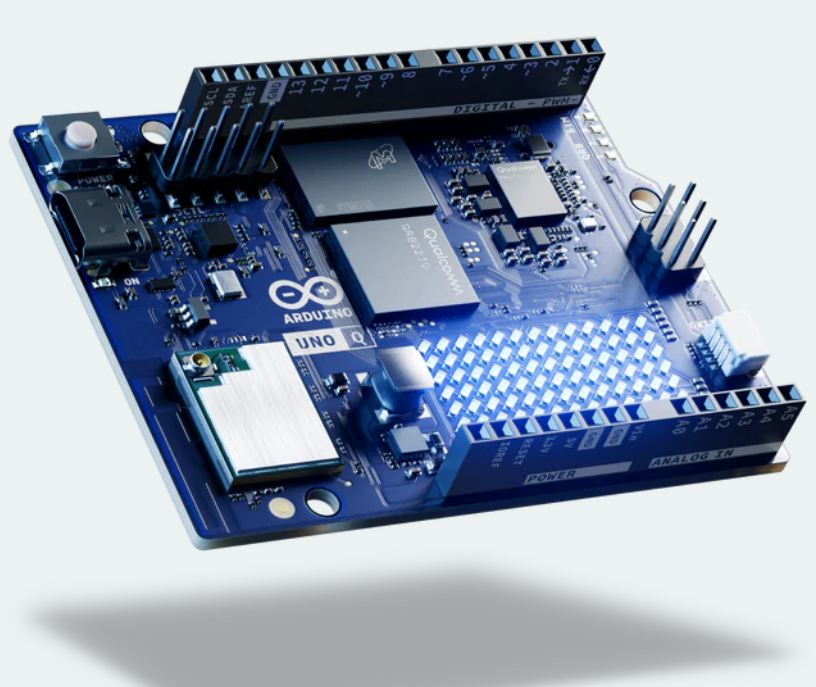
The era of choosing between computing power and hardware precision is over. The Arduino UNO Q introduces a unique "dual-brain" concept, merging the flexibility of a Single Board Computer (SBC) with the responsiveness of a traditional Arduino board to power complex AI and IoT projects.
The Dual-Brain Architecture
The core innovation of the UNO Q is the coexistence of two distinct processors on a single board, each dedicated to a specific role:
The Analytical Brain: Qualcomm QRB2210
This Cortex-A53 processor runs a Debian Linux distribution. It handles high-level tasks: web servers, image processing, AI models, and advanced network connectivity. Unlike standard boards, it features 4GB of RAM and 32GB of integrated eMMC storage, removing the reliance on slow and fragile SD cards.
The Motor Brain: STM32U585
For hardware interaction, the UNO Q relies on an STM32U585 microcontroller (Cortex-M33). This processor is deterministic, meaning it executes instructions with absolute temporal precision, which is essential for motor control or high-frequency sensor polling.
Market Comparison: Where Does It Fit?
How does the UNO Q stack up against existing solutions?
- Vs Raspberry Pi 5: While the Pi requires HATs or complex RTOS setups for real-time control, the UNO Q provides it natively via the STM32.
- Vs Arduino UNO R4 WiFi: The UNO Q is not just an upgraded microcontroller; it is a full computer capable of running a complete operating system.
- Vs NVIDIA Jetson: The UNO Q is more accessible for beginners and more power-efficient, though less capable of heavy AI model training.
Real-World Use Cases
This hybrid architecture unlocks new possibilities for engineers and hobbyists:
- Advanced Robotics: The Linux side handles path planning and computer vision, while the STM32 ensures real-time motor stabilization.
- Local Smart Home Hub: Host a full dashboard on Linux while polling dozens of sensors via the Qwiic bus with minimal latency.
- Edge Computing: Process and filter massive data locally using the Qualcomm processor before sending only relevant insights to the cloud.
Getting Started and Ecosystem
Development on the UNO Q is split between two environments. Arduino IDE 2.x is used for the microcontroller, while SSH or console access is used to configure the Debian environment.
# Example command to check Linux system status via terminal
uname -a
free -m
Important Caveats
Moving to the UNO Q involves a learning curve: you must navigate both the Linux and Bare-Metal worlds. Additionally, power consumption is significantly higher than an UNO R4 due to the Qualcomm processor. As it is a relatively new product, some community libraries are still maturing.
What's Next?
To dive deeper, check out our guides on Python programming for Linux in AI or learn how to optimize your circuits using the Qwiic protocol.