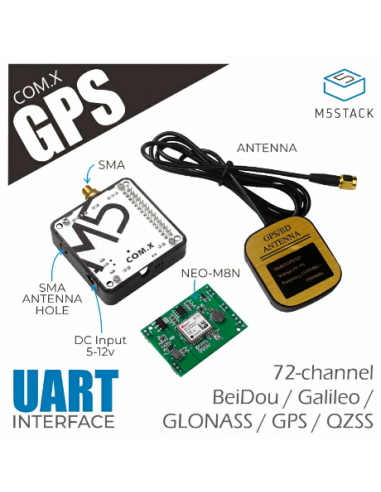
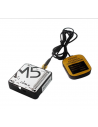
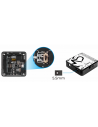
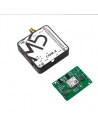
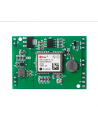
The UART communication protocol is used between the M5Core and the GPS module, and the serial port connection pins can be modified through the dial switch on the back.
If you want to change the serial port baud rate, please click ( u-center-just-for-Windows ).
Note: In order to get a good signal from the GPS module, please place the module outdoors when using it.
UART protocol: baud rate (default is 9600bps), data bit (8 bits), start bit (1 bit), stop bit (1 bit), check bit (none).
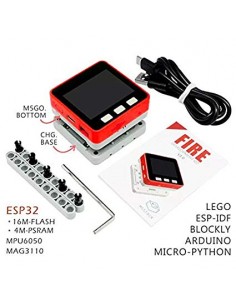
When used with the FIRE main control, due to the PSRAM pin conflict, please switch the DIP switch pins of the module base to TX(0/13), RX(5/15). The device must be powered via USB or an external DC source.
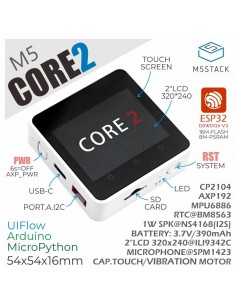
When used with Core2 series main controls, due to the different order of the base pin array, COM.X base pins TX(16), RX(17) correspond to the actual pins TX(14), RX(13) of the Core2 main control. The device must be powered by an external DC source.
Note: When using the CORE2 or CORE2-FOR-AWS main control to drive the module, please use the DC power input of the base and set the power mode to input mode (refer to the code below), otherwise it will not start normally.

//mbus_mode_t:
//kMBusModeOutput: Use USB or battery power
//kMBusModeInput: Use external power supply 5V, or DC interface

M5.Power.setPowerMode(kMBusModeInput);You might also like